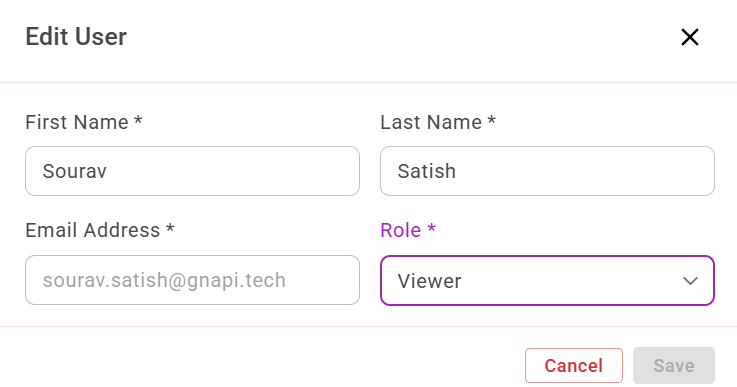
Edit User
The Edit User feature allows administrators to update a user’s name and role.
1. Accessing the Edit User Option
To edit a user:
- Select the user you want to update.
- Click the Edit (Pen) icon in the Actions column.

2. Editing User Details
To update user information:
- Click the field you want to modify.
- Make the required changes.
- Click Save to apply the updates.